
Hey there! As a supplier of omnidirectional microphones, I've seen my fair share of issues with these nifty little devices not working as they should. It can be super frustrating when you're all set to record, stream, or have a chat, and your mic just won't cooperate. But don't worry, I'm here to walk you through some common problems and how to troubleshoot them.
1. Check the Basics
First things first, let's start with the simplest stuff. You'd be surprised how often the root of the problem is something really basic.
Power Connection
Is your microphone properly plugged in? Sounds obvious, right? But it's the first thing to double - check. If it's a wired mic, make sure the cable is securely connected to both the microphone and the audio input device, like your computer or mixer. For wireless mics, check the batteries. Are they fresh? Sometimes, old or depleted batteries can cause the mic to act up or not work at all. Replace them with new ones and see if that solves the problem.
Volume Settings
Another common culprit is the volume settings. On your computer, go to the sound settings and make sure the microphone is selected as the input device. Also, check the volume level. It might be set too low, so try turning it up a bit. You can usually find these settings in the control panel on Windows or the system preferences on a Mac.
2. Hardware Issues
If the basics don't solve the problem, it's time to look at the hardware itself.
Cable Problems
The cable connecting your microphone could be damaged. Look for any visible signs of wear and tear, like frayed wires or bent connectors. If you suspect a cable issue, try using a different cable. You can borrow one from a friend or pick up a new one at your local electronics store. If the mic starts working with a new cable, then you know the old one was the problem.
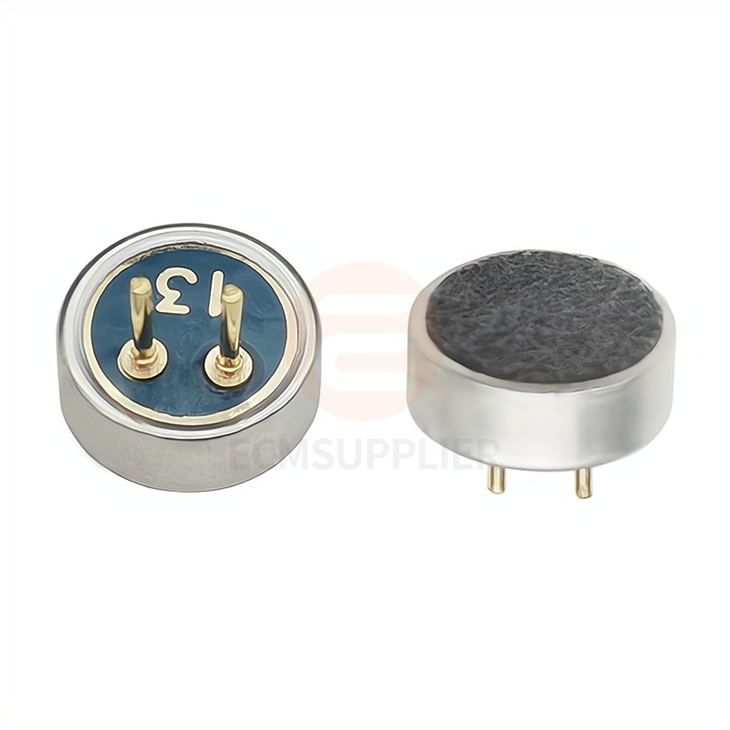
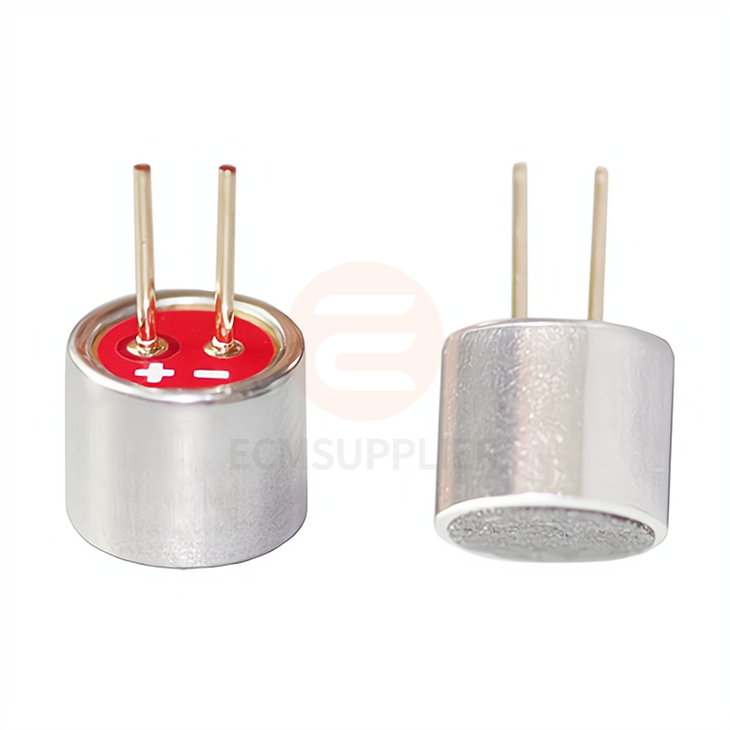
Microphone Head
The microphone head is the part that actually picks up the sound. It could be dirty or damaged. For example, if you've been using the mic in a dusty environment, dust might have accumulated on the microphone head. You can gently clean it with a soft, dry cloth. Be careful not to press too hard, as you don't want to damage the delicate components inside.
If you're looking for a replacement microphone head, we offer some great options like the 6022 Pin Microphone Head with Pin. It's a high - quality option that can breathe new life into your microphone setup.
3. Software and Driver Issues
In today's digital age, software and drivers play a crucial role in how our hardware works.
Driver Updates
Outdated drivers can cause all sorts of problems with your microphone. On Windows, you can use the Device Manager to check for driver updates. Just right - click on the microphone device and select "Update driver." On a Mac, make sure your operating system is up - to - date, as Apple often includes driver updates in system updates.
Audio Software Compatibility
Sometimes, the audio software you're using might not be compatible with your microphone. For example, if you're using a professional audio editing program, it might have specific requirements for microphone support. Try using a different audio program to see if the mic works. If it does, then you know the issue is with the software you were originally using.
4. Environmental Factors
Believe it or not, the environment where you're using the microphone can have a big impact on its performance.
Background Noise
If there's a lot of background noise, it can interfere with the microphone's ability to pick up your voice clearly. Try moving to a quieter room or using noise - canceling headphones. You can also use a pop filter to reduce plosive sounds (those "p" and "b" sounds that can cause a sudden burst of air) and improve the audio quality.
Electromagnetic Interference
Electromagnetic interference from other electronic devices can also affect the microphone. For example, if you have a microwave oven or a Wi - Fi router too close to the microphone, it can cause static or other unwanted noise. Try moving the microphone away from these devices and see if the problem improves.
5. Advanced Troubleshooting
If you've tried all the above steps and the microphone still isn't working, it's time for some advanced troubleshooting.
Diagnostic Tools
There are some diagnostic tools available that can help you identify the problem. For example, on Windows, you can use the built - in audio troubleshooter. Just search for "audio troubleshooter" in the search bar and follow the instructions. There are also third - party diagnostic tools that can provide more detailed information about the microphone's performance.
Professional Repair
If you're still stumped, it might be time to take the microphone to a professional repair service. They have the tools and expertise to diagnose and fix more complex problems. However, before you do that, make sure to check if your microphone is still under warranty. If it is, you might be able to get it repaired or replaced for free.
6. Other Product Options
We offer a wide range of omnidirectional microphones that might suit your needs. For example, the 6050 Electret Condenser Microphone with Pin is a popular choice. It offers great sound quality and is very reliable. Another option is the 4015 Cylindrical Electret Condenser, which is known for its durability and excellent performance in various environments.
Conclusion
Troubleshooting an omnidirectional microphone that's not working can be a bit of a hassle, but by following these steps, you should be able to identify and fix most problems. Remember to start with the basics, like checking the power and volume settings, and then work your way up to more complex issues.
If you're still having trouble or if you're interested in purchasing a new microphone, feel free to reach out to us. We're here to help you find the perfect microphone for your needs and answer any questions you might have. Whether you're a podcaster, a musician, or just someone who needs a good mic for online meetings, we've got you covered.
References
- General knowledge of audio equipment troubleshooting
- Experience as an omnidirectional microphone supplier